Everything you copy, one keystroke away

A clipboard manager for macOS, Windows and Linux. Light, fast and quiet in the background.

Download for macOS

Free · version 1.0.0 · Intel Mac · All downloads
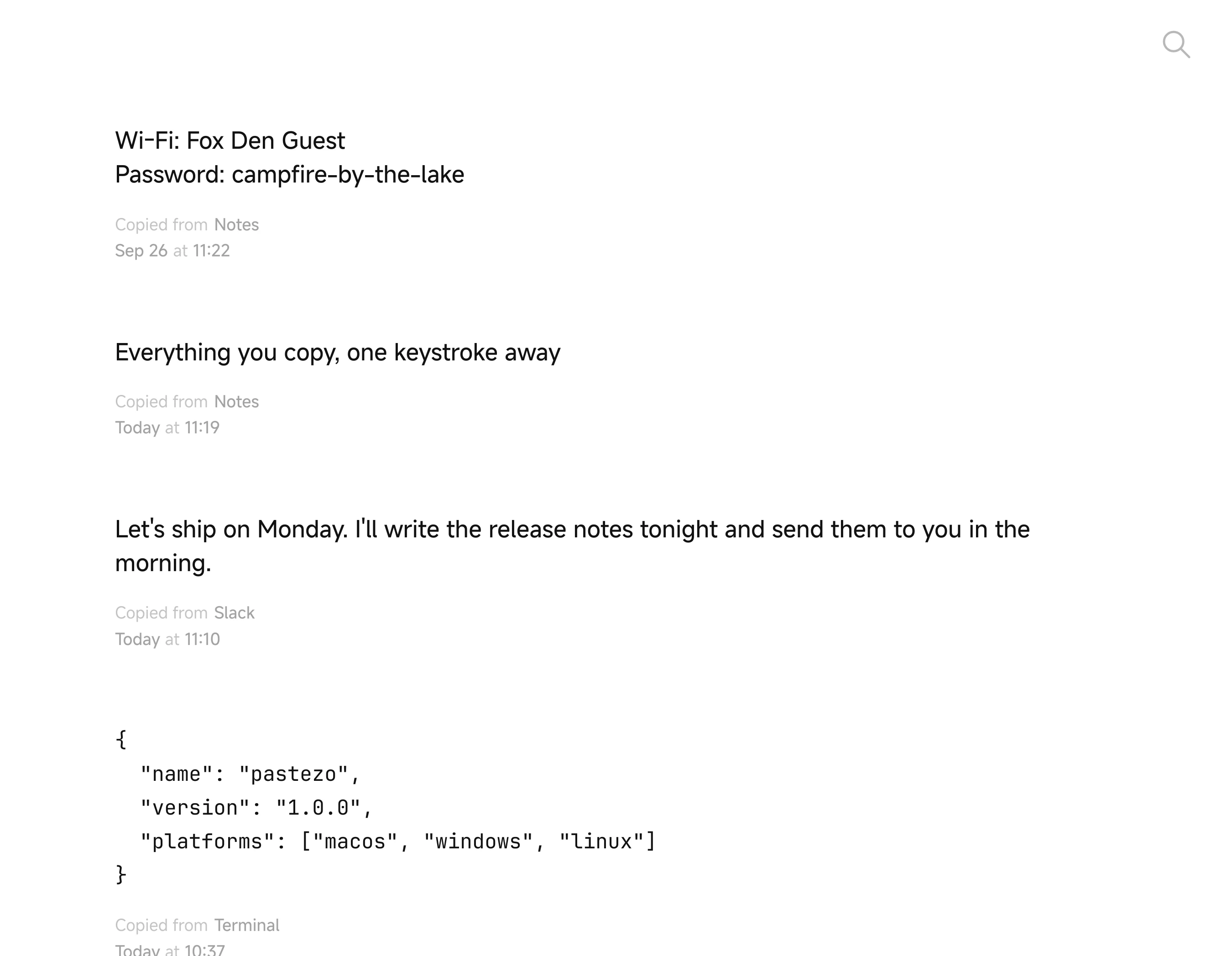
Pastezo window with the clipboard history: a pinned Wi-Fi password, a note, a Slack message and a JSON snippet

Copy naturally

Pastezo remembers everything you copy and gives it back the moment you need it. No setup, no account, no clutter.

Find anything

  • Search forgives typos, so “invoce” still finds the invoice
  • Narrow it down with filters: app:Safari, type:image, after:yesterday

  • Text, links and images live in one list, newest on top
Searching for “invoce” finds the invoice

Keyboard first

  • Return pastes the selected clip into the app you came from
  • ⌘1…⌘9 paste one of the first nine clips
  • Space previews, ⌘Z brings back a deleted clip
  • One global shortcut opens Pastezo from any app
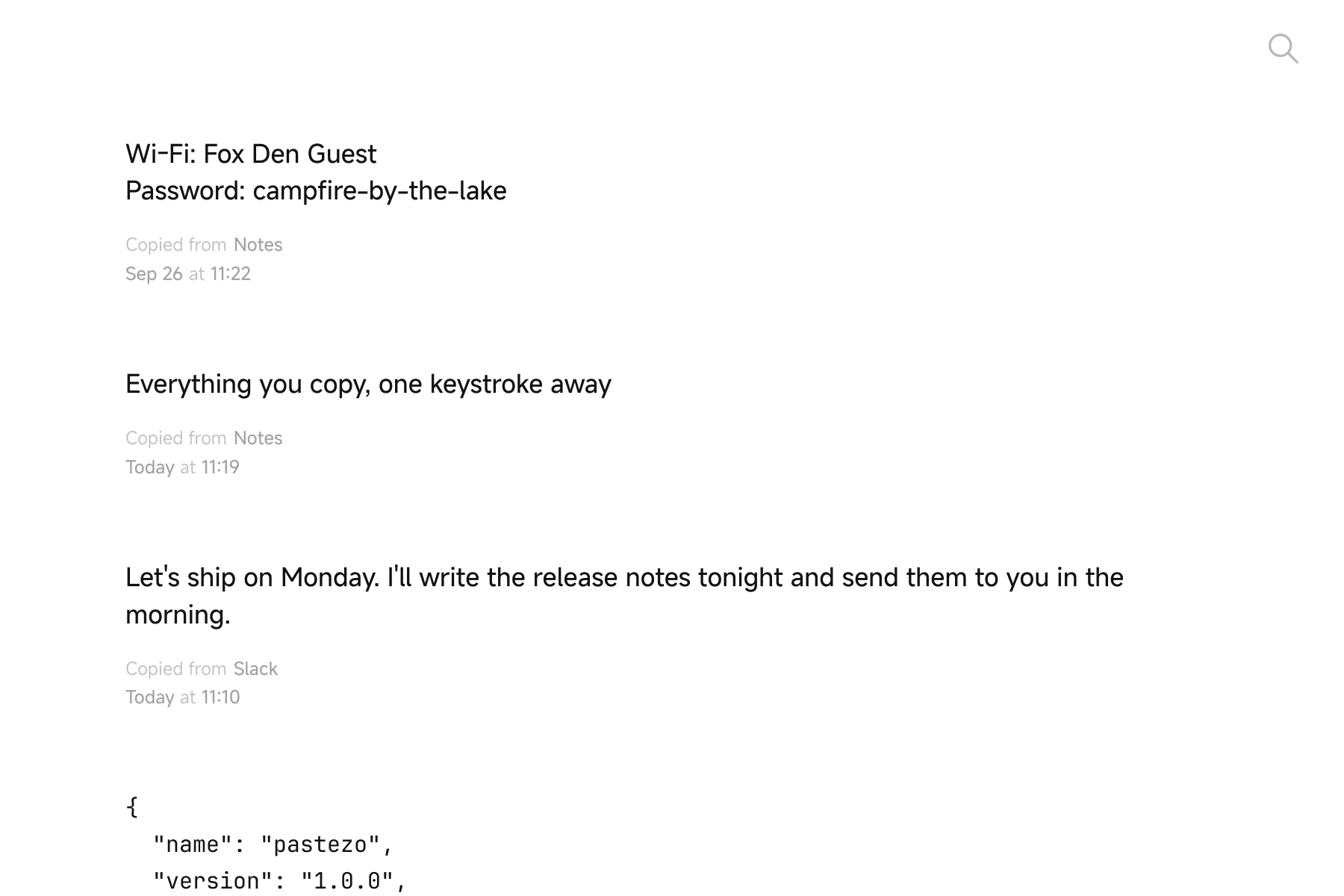
Pastezo history in the light theme
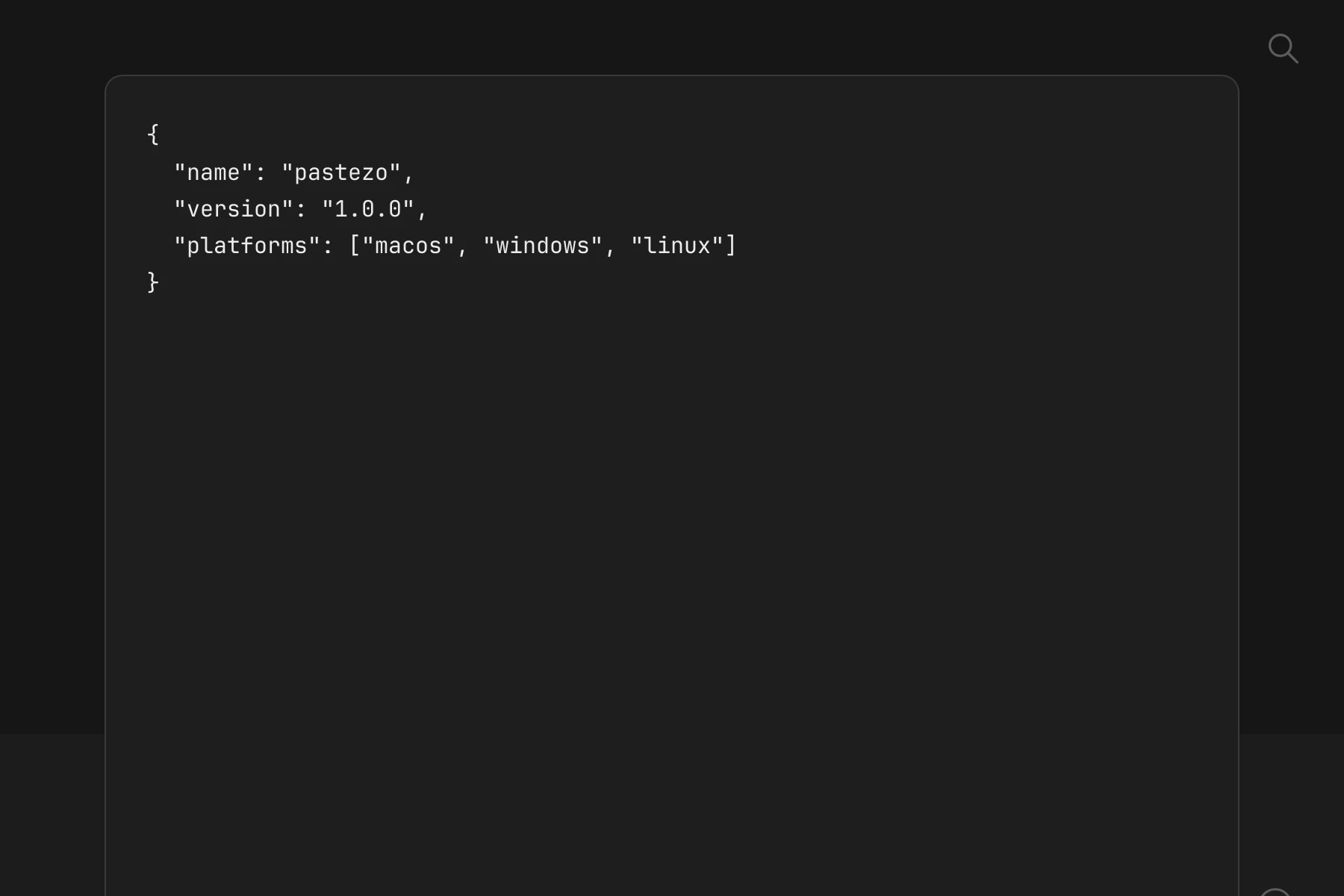
A JSON clip previewed with Space in the dark theme

Make it yours

  • 38 themes, from quiet paper to deep midnight
  • 20 app icons, including one with googly eyes
  • Fonts you pick, in 54 languages, right-to-left included
  • pastezo app icon
  • sky app icon
  • peekaboo app icon
  • honey app icon
  • orchid app icon
  • sage app icon
  • midnight app icon
  • sketch app icon
  • lime app icon
  • berry app icon
  • reef app icon
  • retro app icon

Private by design

  • Your history stays on your computer, no account needed
  • Hide Pastezo from screen sharing, recordings and screenshots on macOS and Windows
  • Import and export the whole history whenever you like
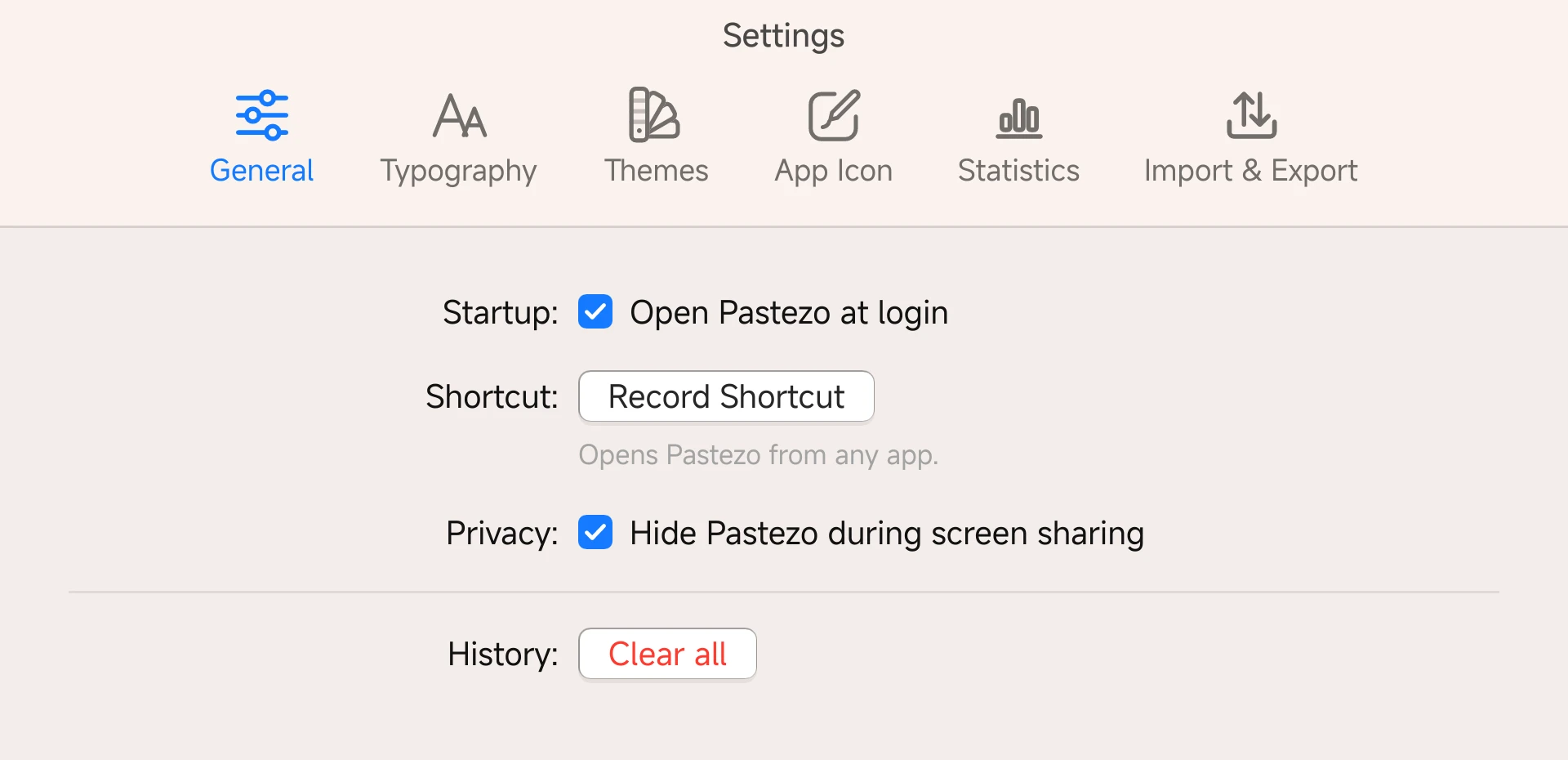
Pastezo settings with “Hide Pastezo during screen sharing” turned on

And so much more

Small things that save a second, many times a day.

  • Pins. Keep the clips you reach for every day at the top of the list.

  • Undo delete. Removed a clip by mistake? ⌘Z brings it back.

  • Code looks like code. Source, JSON, SQL, CSS and HTML are shown in a monospaced font.

  • Drag images out. Pull an image from the history straight into any app.

  • Update notice. When a new version is out, Pastezo tells you once a day, with a Download button.

Statistics

See how much you copy: today, the last 7 and 30 days, split into text, links and images.

Import and export

Take the whole history with you to a new computer in one file.

Price

Pastezo is free. Everything it does, for everyone.

Free

  • Clipboard history: text, links and images(included)
  • Typo-tolerant search with filters(included)
  • Keyboard control and quick paste ⌘1…⌘9(included)
  • Pins, undo delete, code detection(included)
  • 38 themes and 20 app icons(included)
  • Statistics, import and export(included)
  • Sync across macOS, Windows and Linux(not included)
  • Priority support(not included)
Download for macOS

Free · version 1.0.0 · Intel Mac · All downloads

The Pastezo newsletter

Tips for working faster with your clipboard, news about releases. No spam, one click to leave.